
Imagine you're halfway through a five-hour drive to visit your family for the holidays. Your daughter suddenly asks, "Can I use your laptop to play Roblox?" It's your work laptop—the one holding sensitive client files, financial records, and access to your entire business. You're drained from packing and still have hours to go; honestly, keeping her occupied sounds like a relief. But is it really safe?
The truth is, holiday travel introduces unique security risks you usually don't encounter. Distractions, fatigue, unfamiliar networks, and blending personal time with quick work check-ins all raise vulnerabilities. Whether traveling for business or pleasure—or both—here's how to protect your data without spoiling the festive spirit.
Pre-Trip Essentials: 15 Minutes To Secure Your Devices
Before hitting the road, invest 15 minutes to safeguard your tech setup:
Device Prep:
- Install the latest security updates immediately
- Back up crucial files securely to the cloud
- Set your devices to auto-lock, ideally within two minutes
- Enable "Find My Device" on all phones and laptops
- Fully charge your portable power bank
- Bring your own charging cables and adapters
Setting Family Boundaries:
- Clarify which devices are off-limits for kids
- Provide a dedicated family tablet or spare device for entertainment
- Create a separate user profile on your laptop if children must use it
Pro tip: For on-the-go entertainment, bring a tablet that's completely independent of your work accounts. Spending $150 on a device like an iPad is a smart investment compared to the potential fallout from a data breach.
Mastering Hotel WiFi Security: What Everyone Gets Wrong
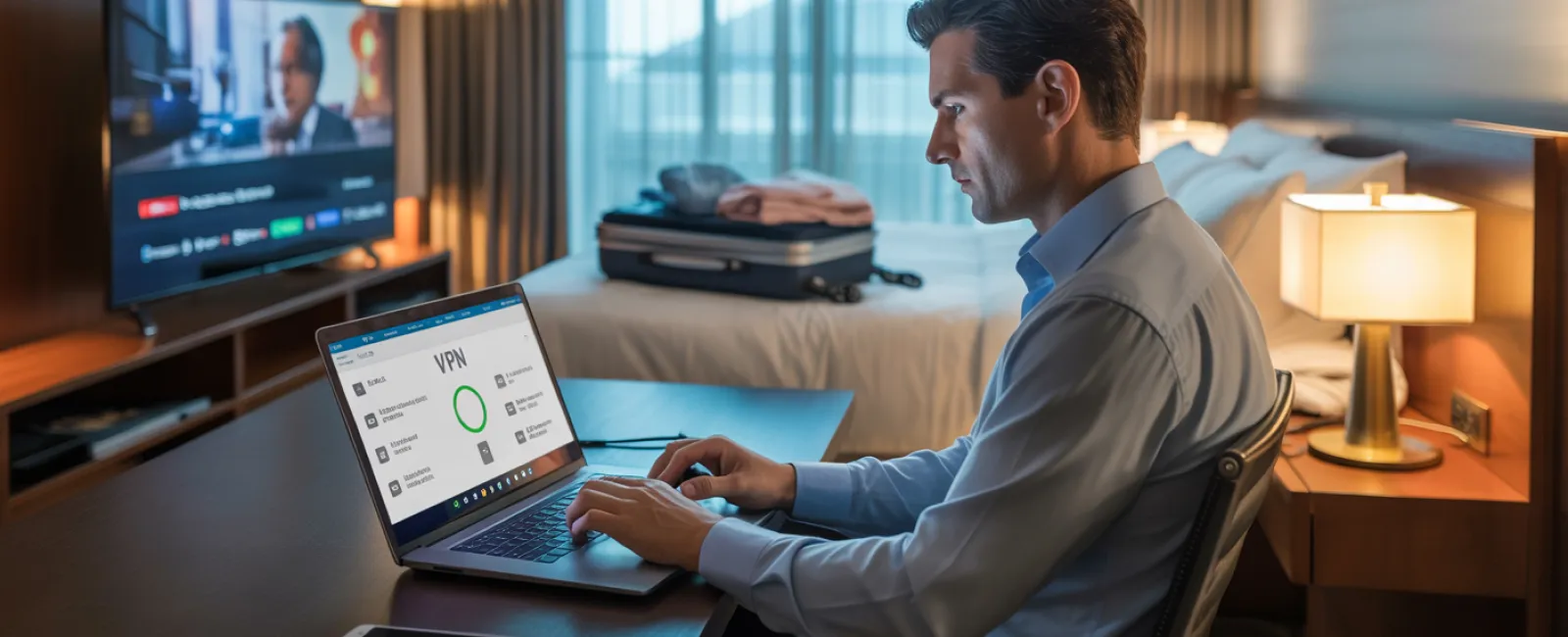
Upon arrival, your whole family connects to the hotel's WiFi—phones, tablets, laptops, gaming consoles. Your teenager streams Netflix, your partner checks email, and you scramble to finalize a proposal.
The danger? Hotel networks are shared public spaces where cybercriminals lurk.
Real-world example: A family inadvertently joined a fake WiFi network impersonating their hotel's. For two days, every online move—passwords, credit card details, emails—was intercepted.
How to defend yourself:
Confirm the exact network name—always ask the front desk instead of guessing.
Utilize a VPN when accessing work-related information to encrypt your connection securely.
For highly sensitive activities such as banking or client data, switch to your phone's mobile hotspot instead of using hotel WiFi.
Separate work from leisure—your kids can stream cartoons via hotel WiFi, but ensure work tasks use your secured hotspot.
The "Can I Use Your Laptop?" Security Dilemma
Your work laptop contains everything from emails to client records and financial accounts. Meanwhile, the kids want to watch videos, chat, or play games.
Why this matters: Kids can unintentionally download harmful software, click unsafe links, share passwords, or leave accounts logged in. It's innocent behavior but a serious risk on your work device.
Simple prevention:
Politely decline using your work device—offer a different gadget instead and keep this rule firm.
If sharing is unavoidable:
- Set up a separate, limited-permission user account
- Supervise their activity closely
- Prohibit downloads
- Never save passwords on the device
- Clear browser history and logouts immediately after use
Better yet: Bring along a dedicated family device like an older tablet or laptop that isn't linked to your work accounts.
Streaming on Hotel TVs: The Forgotten Log Out Risk
Your family wants to watch Netflix on the hotel's smart TV. Someone signs in with your account and, in the rush of checkout, forgets to log out.
The risk: The next guests can access your account. Worse, if you reuse passwords elsewhere, this could lead to broader security breaches.
How to avoid it:
- Use your own device to cast content—this is much safer
- Set a phone reminder to log out from the smart TV before checkout
- Even better: Download your shows ahead of travel to avoid public screens altogether
Never log into these on hotel TVs:
- Banking apps
- Work accounts
- Email
- Social media
- Any account storing payment info
Handling a Lost or Stolen Device During Travel
Travel chaos means devices can get left behind—at restaurants, hotels, rental cars, or airport checkpoints. If your device disappears…
Act within the first hour:
- Activate "Find My Device" to locate it promptly
- If retrieval isn't possible, lock it remotely right away
- From another device, change passwords for all critical accounts
- Contact your IT support to revoke company system access
- If sensitive business data was stored, inform all impacted parties
Ensure your devices have before traveling:
- Remote tracking enabled
- Strong password protection
- Automatic data encryption
- Remote wipe capabilities
Lost device belongs to family? Apply the same security precautions: lock it, change passwords, and attempt to locate it.
Beware the Rental Car Data Trap
Connecting your phone to rental car Bluetooth for music or navigation can leave personal data—contacts, call history, even text previews—stored in the vehicle.
Often, this data remains accessible after you return the car.
Quick 30-Second Cleanup Before Return:
- Remove your phone from the car's Bluetooth settings
- Clear recent GPS destinations
- Or, better yet, use an aux cable or avoid connecting altogether
Balancing Work and Vacation Without Compromising Security
You vowed to prioritize family time, yet here you are checking email 47 times, taking "quick" work calls, and spending an hour on your laptop while everyone else plays mini-golf.
This constant toggling between work and leisure reduces your focus on security, making you more vulnerable to risky clicks and unsafe networks.
Honest advice: If unplugging fully isn't possible, establish firm boundaries:
- Limit work email checks to twice a day at set times
- Use your phone's hotspot for work traffic instead of public WiFi
- Work privately in your hotel room—not in public spots with visible screens
- Be present and engaged during family moments—avoid multitasking
The best advice? Take real time off. Your business won't crumble in a week, and you'll return feeling alert and secure.
Adopt a Holiday Travel Security Mindset
The reality is that mixing work and family on holiday trips is complex. Sometimes your child genuinely needs to use your laptop, or you must urgently check emails while your partner drives.
The aim isn't flawless security—it's conscious risk management:
- Prepare your devices thoroughly before departure
- Recognize risky (hotel WiFi for banking) versus safer activities (hotspot email access)
- Separate work data from family use when possible
- Have a clear action plan if something goes wrong
- Know when to say, "Not on this device," and stick to it
Create Holiday Memories for Good Reasons
The holidays are about cherishing moments with your loved ones—not managing a data breach or apologizing to clients for compromised information.
With a bit of preparation and straightforward rules, you can secure your business without dampening the vacation spirit. Your family enjoys their holiday, your operations remain protected, and everyone wins.
Need help developing travel security plans for your team and yourself? Click here or call us at (321) 221-2991 to schedule your free Consult. We'll craft practical policies that safeguard your business without making travel a hassle.
Because the best holiday stories shouldn't be "Remember when Dad's laptop got hacked?"


